

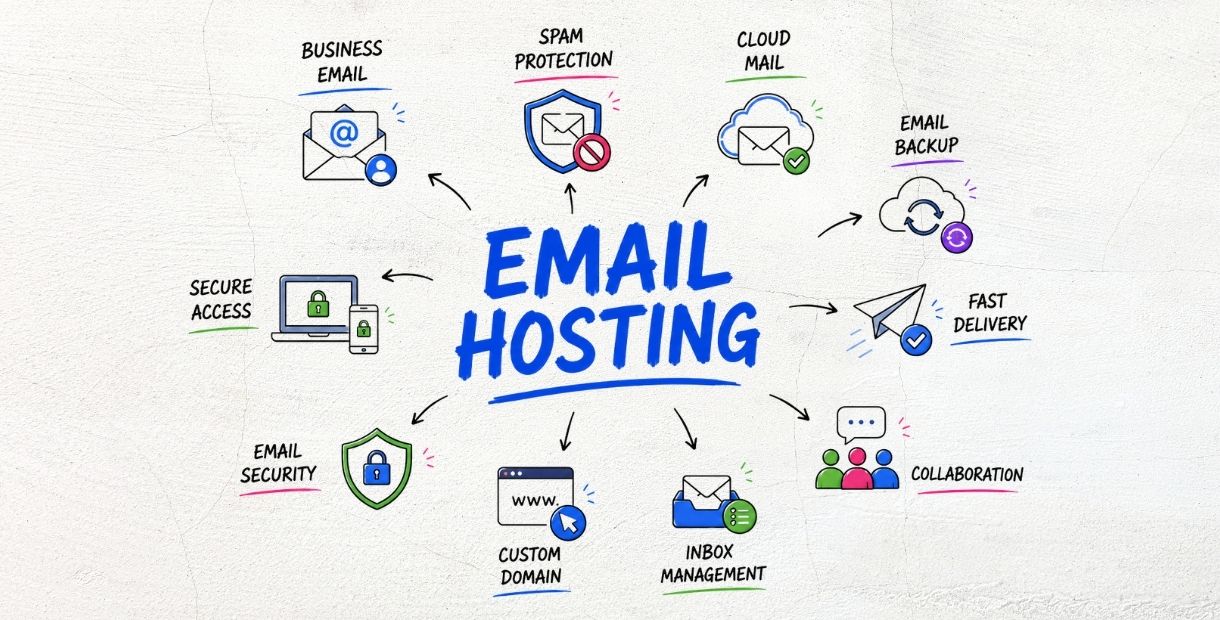
Managing business email involves more than creating individual mailboxes. Email hosting providers often offer additional features designed to improve flexibility and simplify message management.
One such feature is the catch-all mailbox.
What Is a Catch-All Mailbox?
A catch-all mailbox is configured to receive emails sent to addresses on a domain that have not been specifically created.
For example, a company may own:
example.com
If someone sends an email to:
contact123@example.com
and that address does not exist, a catch-all configuration can route the message to a designated mailbox.
This means the organization can still receive the message even though the specific email address was never created.
Benefits of a Catch-All Mailbox
One of the main benefits of a catch-all mailbox is that it can help prevent potentially legitimate messages from being lost because of simple typing mistakes.
For example, someone may accidentally send an email to:
sales@example.com
as:
saless@example.com
Without a catch-all configuration, the message may be rejected because the address does not exist. With a catch-all mailbox, the message can instead be delivered to a designated mailbox for review.
Catch-all functionality can be useful for businesses that:
Want to avoid losing emails caused by typing mistakes
Receive messages addressed to different or unexpected departments
Need to monitor emails sent to unknown addresses
Want to consolidate messages from unused addresses
Potential Risks of Catch-All Mailboxes
Although catch-all mailboxes provide flexibility, they can also create challenges.
Because messages sent to any invalid address may be accepted, the mailbox can receive a significant amount of spam, unwanted email, and automated messages.
For example, automated systems may send messages to randomly generated addresses such as:
abc123@example.comrandom@example.comtest456@example.com
If the domain uses a catch-all mailbox, these messages may all be accepted and delivered.
Over time, this can:
Increase mailbox storage usage
Make email management more difficult
Increase the amount of spam that needs to be filtered
Make it harder to identify legitimate messages
How to Use Catch-All Safely
Businesses should consider their specific requirements before enabling catch-all functionality.
If a catch-all mailbox is necessary, organizations should combine it with appropriate email security and management practices, including:
Strong spam filtering
Proper SPF, DKIM, and DMARC configuration
Regular mailbox monitoring
Storage management
Protection against abusive or automated email
Periodic review of whether catch-all functionality is still required
These measures can help reduce the amount of unwanted email while preserving the benefits of catching messages sent to unknown addresses.
When Should You Use a Catch-All Mailbox?
Catch-all functionality can be particularly useful for organizations that want to monitor messages sent to unknown addresses or minimize the risk of losing potentially important communications.
However, it may not be necessary for every business.
Organizations with high email volumes or domains that frequently receive automated traffic should carefully consider the additional spam and storage requirements before enabling it.
Conclusion
A catch-all mailbox can provide flexibility and help businesses capture emails sent to incorrect or unknown addresses.
However, accepting messages for non-existent addresses can also increase exposure to spam and unwanted email.
Businesses should therefore weigh the benefits against the potential risks and use appropriate spam filtering, email authentication, monitoring, and mailbox management measures when implementing catch-all functionality.